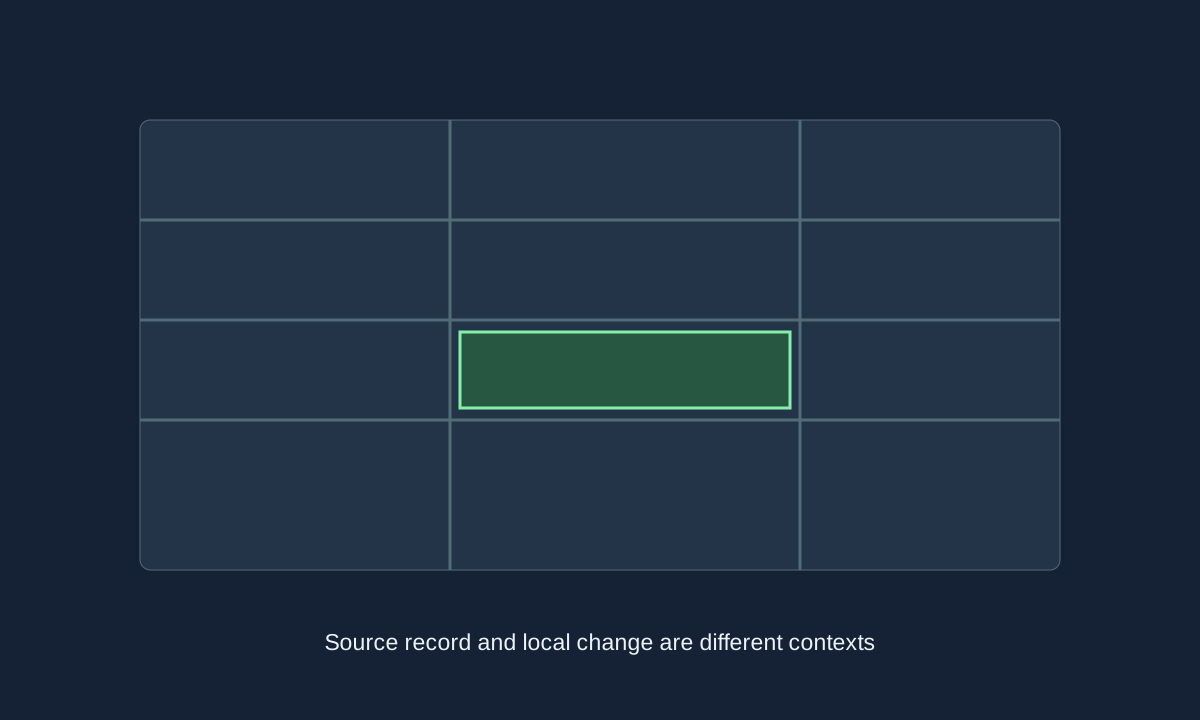
An editor changes data in a particular context; a naming modification is a different data source. Keep the version, intended use and original record visible before changing a save or files.
Reviewed against sources available on 1 November 2026. Preview behaviour and final-release details may differ.
Start with the context you intend to change
The FM27 additional-upgrades feature confirms a redesigned In-Game Editor with a fuller-screen presentation, clearer active-tab signifiers and editable-field tooltips. That is evidence about the tool’s presentation and navigation. It is not evidence that every field, permission or workflow from another edition has been preserved unchanged.
Separate changes to an existing save from changes intended for a future career or a third-party naming dataset. A name shown differently in one source does not establish the underlying identity or club data has changed in every game context. Decide which record you want to affect and inspect the supported options in the edition you actually use.
| Task | Check before acting |
|---|---|
| Edit an existing save | The current editor’s editable fields and supported context |
| Prepare data for a new career | The tool and dataset version described by its publisher |
| Change naming presentation | The modification’s documented edition and data scope |
| Compare a published profile | The original source snapshot, not an edited live-world assumption |
A real-name modification is not an official database update
A third-party naming modification should be evaluated against its own documentation, supported edition and intended effect. This page does not distribute a patch, claim permission to reuse a logo pack or guess a complete set of FM27 installation folders. Use an actual publisher’s instructions for a specific modification rather than a generic path copied from an older release.
Keep original files and a save copy before making changes so that you can identify what was altered. Record the modification and version in your notes when comparing screenshots or player data. Otherwise an edited display can be mistaken for evidence that a new official database revision has been released.
Keep source facts separate from local edits
The wiki’s reference profiles retain the names and clubs in their own snapshot. A local naming preference or a current real-world transfer is not silently merged into that older record.
Check the edition before troubleshooting the interface
SEGA’s support guidance uses FM26 as an example when explaining that the editor and game need matching versions and the purchase account matters. It is useful background, but this guide does not relabel those example-specific steps as a verified FM27 walkthrough. Confirm current product and platform instructions when a menu or entitlement differs.
If a field or expected tool is unavailable, record the edition, storefront and version before comparing reports. Avoid claiming that every failure has the same cause. The update tracker can help distinguish official release evidence from a source webpage change, while the player-source labels keep an edited local career separate from published reference data.
Sources & verification
Article reviewed on 1 November 2026. Each source has its own verification date. Guidance is editorial analysis unless explicitly attributed to an official announcement.
- Official source2D Match Engine, In-Game Editor and Deeper World UpgradesReviewed 1 November 2026
- Official sourceSEGA Support — edition matching for In-game Editor (FM26 example)Reviewed 1 November 2026