The official menu image establishes visible controls; it does not prove every tooltip, hidden effect or final-build label. Make a focused adjustment and review the response.
Reviewed against sources available on 1 November 2026. Preview behaviour and final-release details may differ.
Use the confirmed control location without guessing hidden effects
The written official FAQ places Tactical Tweaks on the match-day screen alongside Shouts and says they remain active until deselected. It also explains that a tweak can group changes that would otherwise need several manual adjustments. Read the description in your own build before treating a short menu label as a complete explanation of what the game will change.
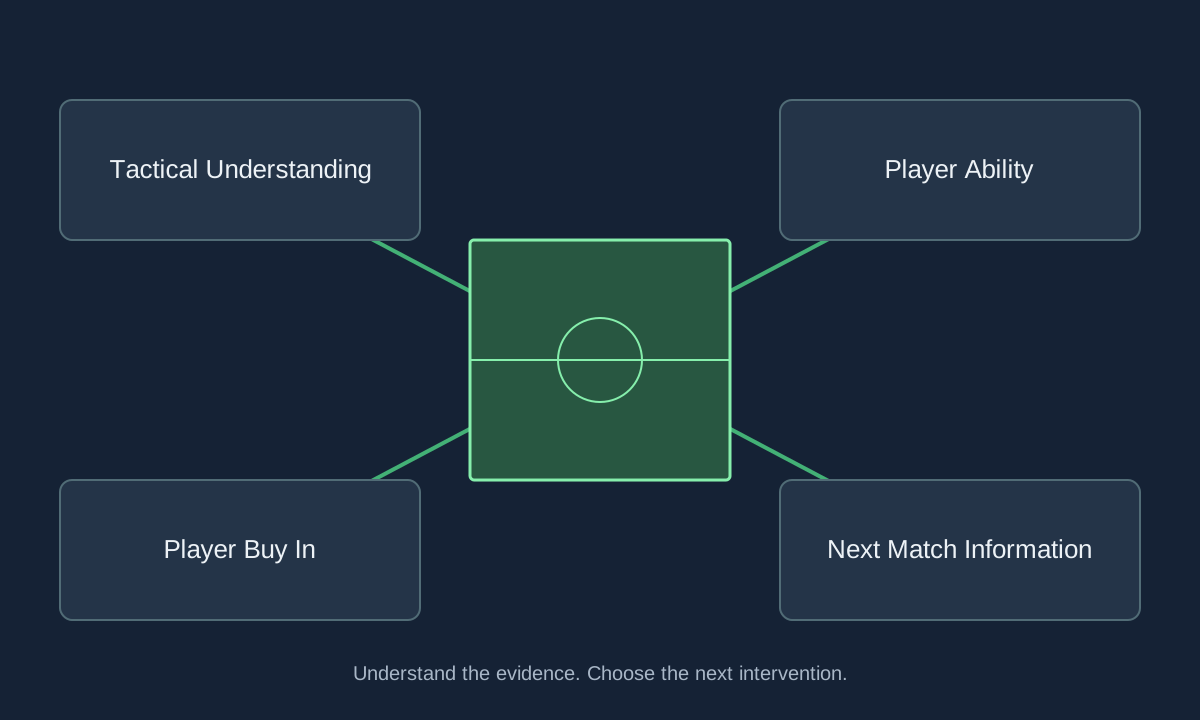
Choose the match problem first, then the control. If the opponent is closing a short passing route, inspect the available receiving options before changing the route of progression. If the team cannot maintain its pressure, inspect fatigue and support distances. Those are coaching questions, not claims that one observed button will always solve the pattern.
Keep a baseline available
Record the reason for an adjustment and the behaviour you expect to improve. Avoid applying several opposing changes at once; otherwise you cannot tell which intervention helped or which responsibility has been lost.
Review the response and decide when to stop
Watch the next relevant passages of play and inspect whether the original problem remains. A single goal is not enough evidence that every resulting movement is desirable. Check what happened to the space behind the ball as well as the new attacking route, and consider whether the opponent has changed its own approach since you acted.
The official article describes staff feedback about when tweaks may help and when they may no longer be useful. Use that advice as another observation rather than a replacement for your decision. A temporary response should not become permanent merely because you forget it is active. The complexity and effectiveness guides explain the longer-term demands that remain after the immediate match situation passes.
Sources & verification
Article reviewed on 1 November 2026. Each source has its own verification date. Guidance is editorial analysis unless explicitly attributed to an official announcement.
- Official sourceTactical Tweaks and Match Engine UpgradesReviewed 1 November 2026
- Official sourceOfficial in-game Tweaks menu — development screenshotReviewed 1 November 2026